Section 1
The Dashboard
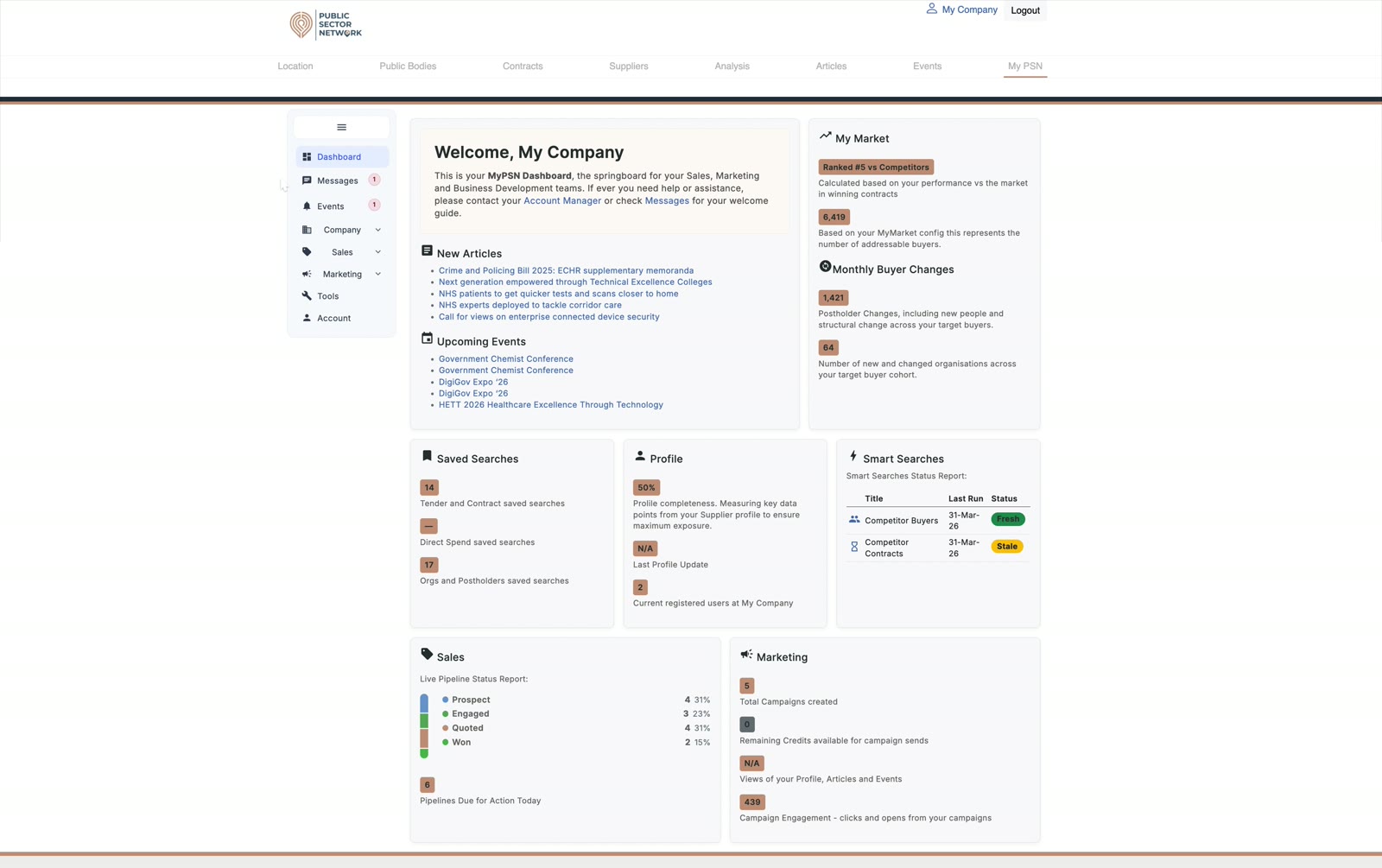
Your MyPSN home page is a daily briefing. It pulls together everything that matters for the day: new articles, upcoming events, your saved searches, profile completeness, sales pipeline activity, and marketing performance.
Step-by-step
- 1
Read the welcome panel
Confirms which company you're signed in as and links to your Account Manager and Messages if you need help. - 2
Skim New Articles & Upcoming Events
Curated content matched to your market — click through to read or register. - 3
Check your Profile completeness
A complete profile means better matching against buyer requirements. Top it up from the Company → Profile page. - 4
Review Saved Searches & Smart Searches status
See which automated searches ran most recently and the volume of new results. - 5
Glance at Sales & Marketing
Pipeline status (Prospect / Engaged / Quoted / Won) and campaign engagement give you a one-line health check.